
8 Reasons to Turn Training Documents Into Video?


Training documents are essential for sharing knowledge, explaining procedures, and helping employees understand how work should be done.
The problem is that long manuals, policy documents, onboarding PDFs, and internal guides are not always easy to consume.
Employees may skim them, postpone reading them, or struggle to remember key information after one pass. When the material is important, that can reduce the effectiveness of the training itself.
Turning training documents into video can make the same information easier to follow, revisit, and use.
Here are eight reasons why organizations may want to convert existing training material into video.
1. Video Can Be Easier to Follow
Some information becomes clearer when it is shown in sequence.
A written procedure may require several paragraphs to explain each step. A video can present those steps one after another, making the process easier to understand.
This can be especially useful for workflows, onboarding processes, safety procedures, and operational training.
2. It Can Make Long Documents Less Overwhelming
Large training documents can feel difficult before an employee even starts reading them.
Breaking that information into visual scenes can make the content feel more manageable.
Instead of facing dozens of pages at once, viewers can follow the material gradually as the video moves through each topic.
3. Video Adds Another Learning Format
Not everyone prefers to learn in the same way.
Some employees are comfortable reading detailed manuals, while others may find visual explanations easier to follow.
Video gives organizations another format without necessarily replacing the original document.
The written material can remain available for detailed reference, while the video provides a more guided explanation.
4. Training Content Can Be Reused More Easily
Many companies already have useful information stored in PDFs.
This might include onboarding guides, employee manuals, standard operating procedures, compliance material, or technical documentation.
Turning those documents into video allows organizations to repurpose existing content rather than creating new training material from scratch.
The original investment in writing and organizing the document can continue to provide value in another format.
5. Video Can Support Consistent Training
When training is delivered manually, different employees may receive slightly different explanations depending on who is presenting the information.
A video provides a more consistent experience.
Everyone can receive the same core explanation, presented in the same order and with the same supporting visuals.
This can be particularly useful for onboarding and recurring internal training.
6. Employees Can Revisit Important Information
People do not always remember everything the first time they encounter it.
A training video can be replayed when someone needs to review a particular topic, process, or procedure.
This can make video useful as both an initial learning resource and a reference tool later.
Employees can return to the content when the information becomes relevant to their work.
7. Visuals Can Help Explain Complex Processes
Some training topics involve relationships, sequences, or systems that are difficult to explain with text alone.
Visual formats can help show:
Process flows
Step-by-step procedures
Cause-and-effect relationships
Organizational workflows
Technical concepts
Multi-stage tasks
A visual explanation can make these connections easier to see.
8. AI Can Reduce the Work Required to Create Training Videos
Traditionally, turning a training document into video can require scriptwriting, visual planning, editing, animation, and production work.
That can make video creation expensive or time-consuming.
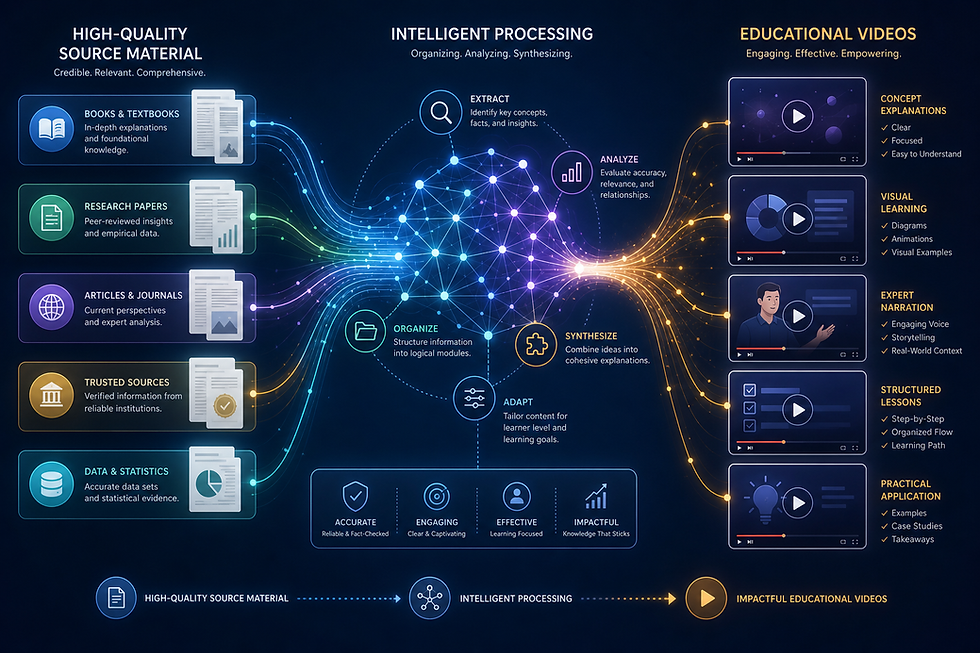
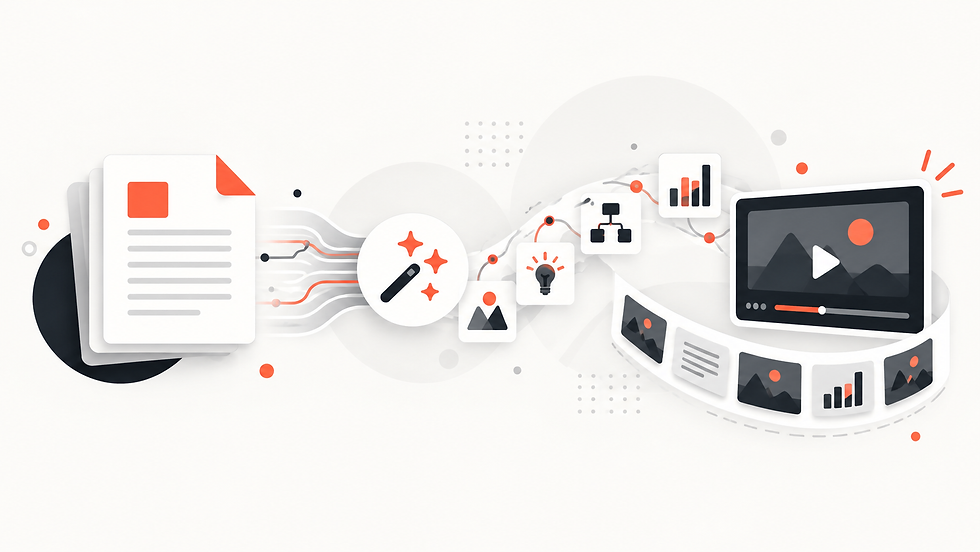
AI-powered tools can simplify this process by using the existing document as the starting point.
Instead of rebuilding the material manually, the content can be transformed into scenes and visual explanations more efficiently.
How Explisera Can Help Turn Training Documents Into Video
Explisera is designed to turn text-based PDFs into AI-generated videos.
The workflow is straightforward:
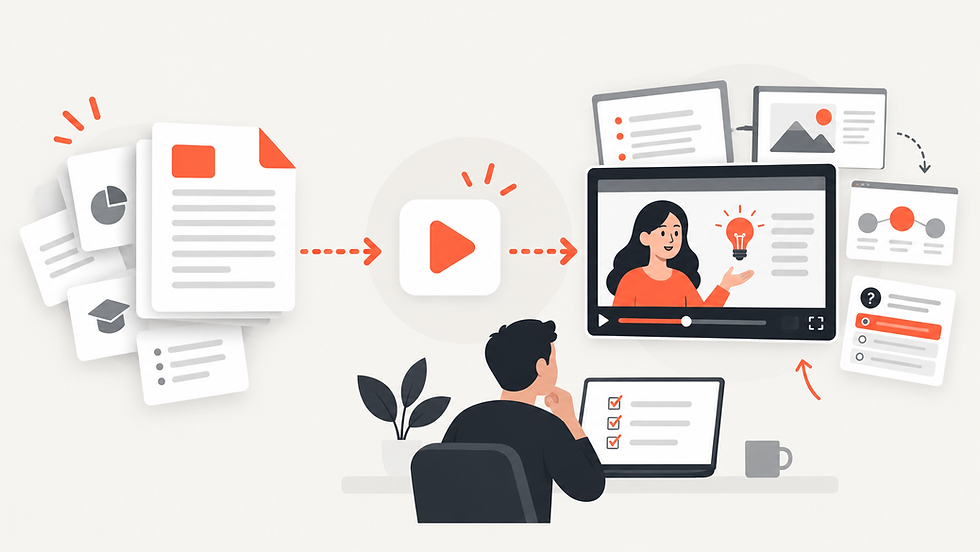
Upload a training document or other PDF.
Choose a visual direction.
Generate the video and review the result.
Explisera can be used with training manuals, onboarding documents, course material, research papers, textbooks, and other structured PDFs.
Standard+ users also receive access to more than 72 visual styles, making it possible to choose a presentation style that fits the subject.
Available directions include whiteboard-style explainers, process-flow diagrams, minimalist visuals, paper-cutout styles, historical-inspired presentations, and more expressive formats.
Benefits of Using Explisera for Training Content
Explisera can help organizations make better use of training material they already have.
Key features include:
AI PDF-to-video generation
Automated scene creation
More than 72 visual styles with Standard+
Support for longer PDF projects on Standard+
Higher monthly generation capacity
Priority generation for Standard+ users
A free plan with no credit card required to start
This makes it possible to experiment with turning existing training documents into video before committing to a larger workflow.
Give Training Documents a Second Format
Written training materials remain valuable because they provide detail and can be used as a reference.
Video can complement them by presenting the same information in a more guided and visual way.
For organizations with large libraries of manuals, onboarding documents, procedures, and internal guides, converting selected training material into video can make that content easier to consume and reuse.
With Explisera, the process starts with the material you already have: upload the PDF, choose a visual style, and turn the document into an AI-generated training video.
Comments