
Explisera for Course Creators: Repurposing Existing Learning Material

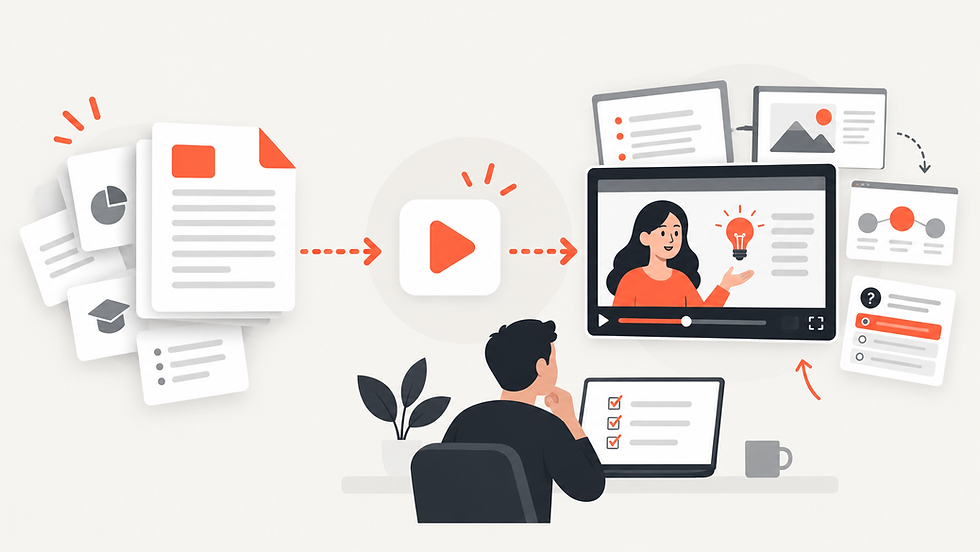
Creating a course takes time.
Course creators often spend hours researching topics, writing lessons, preparing PDFs, organizing modules, building worksheets, and refining explanations.
Once that material is finished, much of it stays in the same format.
A detailed lesson may remain a PDF. A workbook may only be used as a download. A set of course notes may never become anything more than reading material.
That can leave a lot of value untapped.
Instead of creating new content from scratch, course creators can repurpose the learning material they already have into new formats, including video.
The Challenge: Valuable Content Already Exists, but Only in One Format
Most course creators do not have a shortage of information.
They already have:
Lesson PDFs
Course notes
Workbooks
Training guides
Study materials
Research summaries
Reference documents
Module handouts
The challenge is turning that material into something students can consume in different ways.
Some learners prefer reading. Others respond better to visual explanations. Some may want a video overview before diving into a detailed lesson.
Offering the same topic in more than one format can make a course feel more flexible without requiring an entirely new curriculum.
The problem is that producing videos manually can take significant time.
Why Repurposing Matters for Course Creators
Repurposing means taking content you have already created and adapting it for another use.
For example, one course PDF might become:
A video lesson
A visual explanation
A study resource
A revision video
Supporting content for a module
A visual summary of a longer lesson
This allows creators to get more value from the same source material.
Instead of constantly asking, “What should I create next?”, you can first ask, “What can I do with what I already have?”
Turning Course PDFs Into Videos
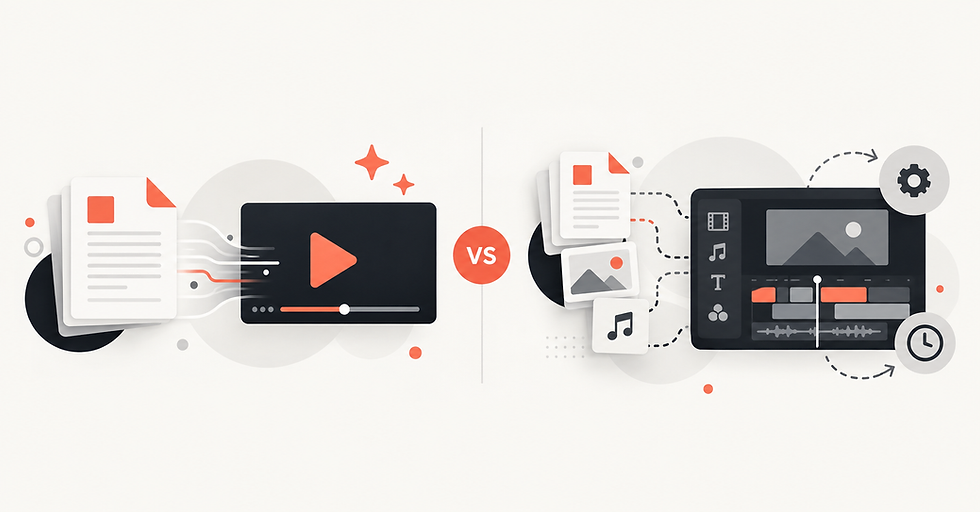
Traditionally, converting a course document into a video means going through several production steps.
You may need to:
Rewrite the material as a script
Divide it into scenes
Create supporting visuals
Record narration
Edit the video
Adjust pacing and transitions
For independent course creators or small teams, this can become difficult to scale.
Explisera simplifies that workflow by using the existing PDF as the starting point.
How Explisera Works for Course Creators
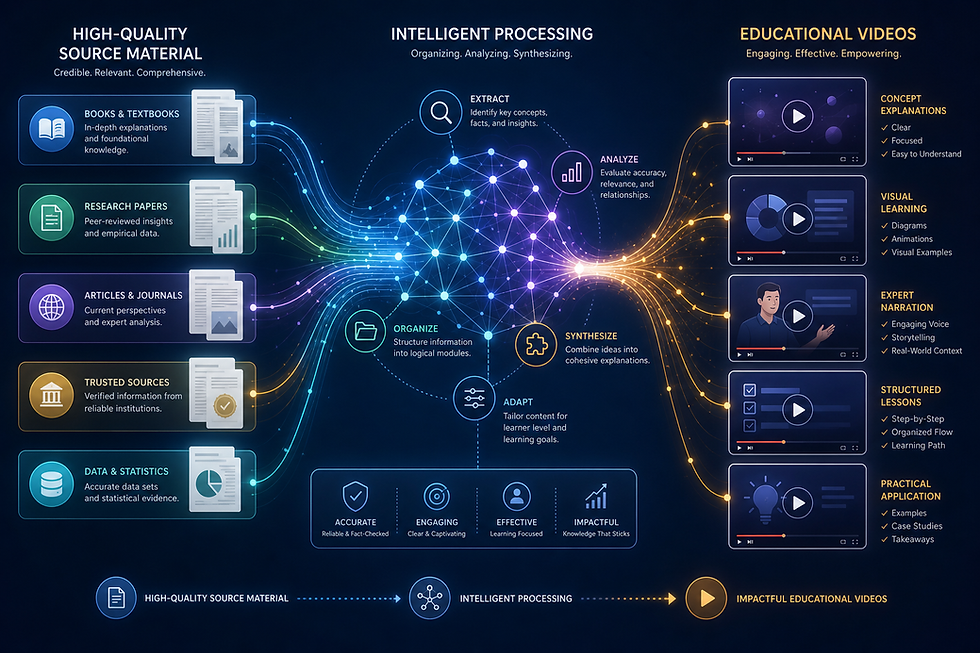
Explisera is designed to transform text-based PDFs into AI-generated videos.
The process is straightforward.
1. Upload Existing Learning Material
Start with a PDF you already use in your course.
This could be a lesson, workbook, study guide, course notes, or another structured learning document.
Clear headings and well-organized sections can provide a stronger foundation for the resulting video.
2. Choose a Visual Direction
Different lessons may need different styles.
A process-based lesson could work well with diagrams, while a more conceptual topic may benefit from illustrations or a whiteboard-style explanation.
Explisera's Standard+ plan includes more than 72 visual styles, giving course creators flexibility in how they present different subjects.
Available directions can include:
Whiteboard-style explainers
Process-flow diagrams
Minimalist illustrations
Paper-cutout visuals
Historical-inspired presentations
Manga-inspired scenes
Other educational and expressive formats
3. Generate and Review the Video
Explisera then uses the source material to create scenes and generate a cohesive video.
The result can be reviewed and used as part of the learning experience.
This removes much of the manual production work normally required to turn a document into video.
Ways Course Creators Can Use Repurposed Videos
Videos created from existing materials can be used in several ways.
Module introductions: Give learners a visual overview before they start reading.
Lesson support: Add a video alongside a detailed PDF.
Revision material: Create another way for students to revisit key ideas.
Bonus content: Extend the course without developing an entirely new topic.
Self-paced learning: Give learners a format they can watch when reading is less convenient.
The important point is that video does not have to replace the original document.
It can complement it.
Benefits of Explisera for Course Creators
Explisera can be useful for creators who want to expand their learning content without adding a full video production workflow.
Key features include:
AI PDF-to-video generation
Automated video scene creation
Support for course notes, textbooks, manuals, research papers, and training material
More than 72 visual styles with Standard+
Support for longer PDF projects on Standard+
Higher monthly generation capacity
Priority generation for Standard+ users
A free plan with no credit card required to start
This allows creators to test how existing material works as video before deciding whether they need more capacity.
Create More Without Starting From Zero
Course creators often already have their most valuable asset: the content.
The opportunity is to use that content in more ways.
By repurposing existing learning material into video, creators can expand the way students experience a course without rebuilding every lesson from scratch.
With Explisera, an existing PDF can become the starting point for a new visual learning format.
That means less time recreating information and more value from the material you have already worked hard to produce.

Comments