
From Document to Visual Story with Explisera


A document can hold valuable information, but information alone does not always make something easy to follow.
Training manuals, research papers, course notes, reports, and textbooks are often built for reading. They may contain important ideas, but those ideas can be buried inside long sections of text, technical language, or complex explanations.
A visual story changes the way that information is experienced.
Instead of asking someone to work through page after page, a visual video can guide them through the material in sequence, using scenes and visual structure to make the content easier to follow.
That is the idea behind Explisera.
The Problem With Valuable Content That Stays Buried in Documents
Many organizations and individuals already have the content they need.
The problem is that it often lives inside static documents.
A training team may have a detailed onboarding manual. A teacher may have years of course material. A researcher may have a valuable paper that is difficult for a broader audience to understand.
The information is useful, but the format may limit how people engage with it.
Long documents can be:
Time-consuming to read
Difficult to review quickly
Hard to present to visual learners
Challenging to repurpose
Easy to skim without fully understanding
Less engaging when the subject is complex
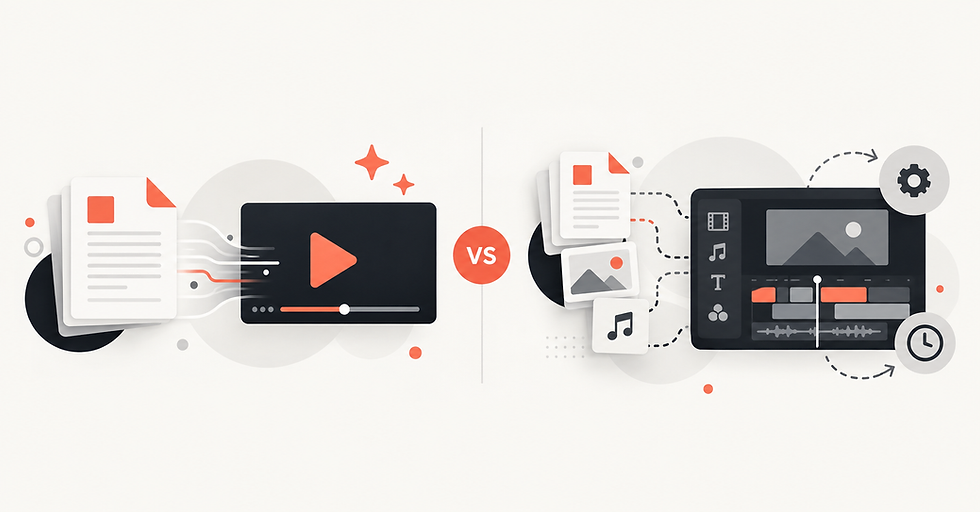
Creating a video can solve some of these problems, but traditional video production introduces a new challenge.
It often requires scripting, storyboarding, visual design, narration, editing, and technical production skills.
Turning Information Into a Visual Story
A visual story is more than text placed on a screen.
It gives information a sequence.
One idea leads to the next. Important points can be introduced at the right moment. Visuals can help show relationships, processes, context, and progression.
This is especially useful for material that contains:
Step-by-step processes
Historical events
Educational concepts
Technical systems
Research findings
Training procedures
Explanations with several connected ideas
By presenting the information gradually, a video can help the viewer understand how the different parts fit together.
How Explisera Changes the Workflow
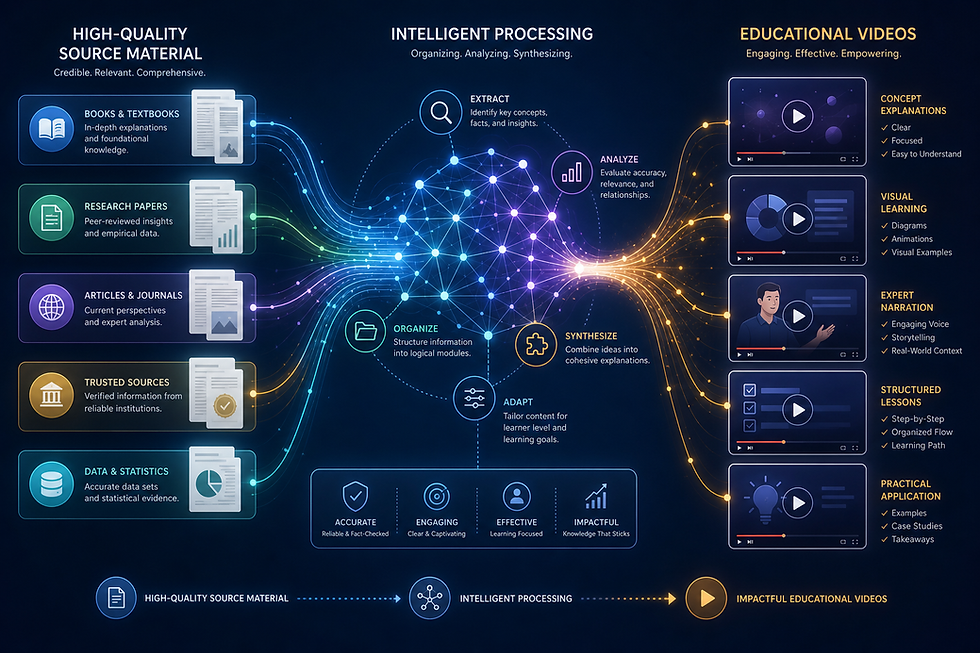
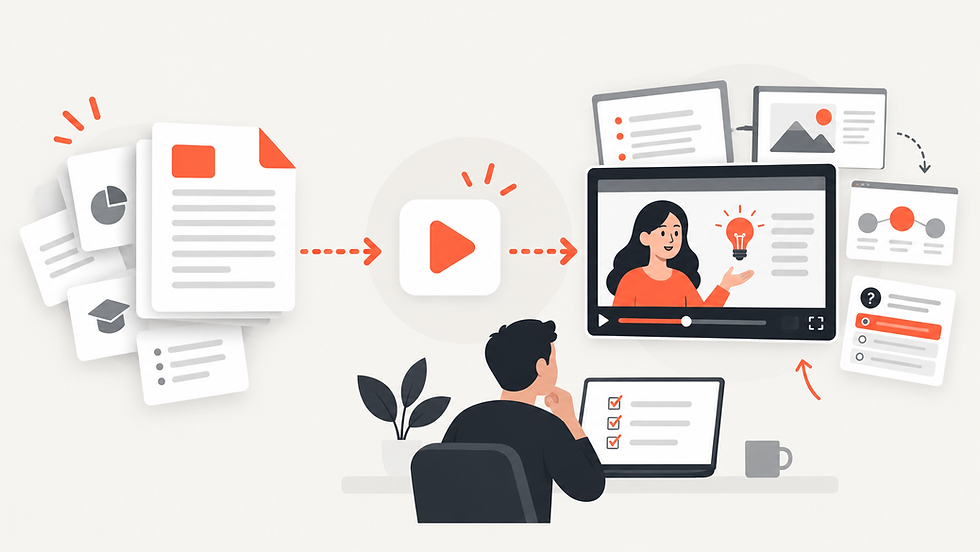
Explisera is designed to transform text-based PDFs into AI-generated visual videos.
Instead of beginning with a blank editing timeline, the process begins with the source material itself.
The document becomes the foundation.
Explisera can work with material such as textbooks, course documents, research papers, training manuals, notes, and other structured PDFs.
The platform then turns that information into scenes and a cohesive visual experience.
This can reduce much of the manual work normally involved in converting written material into video.
Choosing the Right Visual Direction
A visual story should match the subject.
A technical procedure may need a clear, structured presentation. A historical topic may benefit from a more expressive look. Educational content may work well with diagrams, illustrations, or whiteboard-inspired visuals.
Explisera's Standard+ plan includes more than 72 visual styles.
These can include:
Whiteboard-style explainers
Process-flow diagrams
Minimalist illustrations
Paper-cutout visuals
Historical-inspired presentations
Manga-inspired scenes
Other structured and expressive visual formats
This gives users more flexibility in how the same source material is presented.
The goal is not simply to make the video look different. The visual direction should support the meaning of the content.
Why Visual Storytelling Can Be Useful
Visual storytelling can help make information feel more connected.
A written document may ask readers to build the bigger picture themselves.
A video can guide them through that picture.
This can be useful in several situations.
Education: Teachers and students can turn course material into visual explanations that complement traditional reading.
Training: Teams can transform manuals and internal documentation into more guided learning content.
Research: Complex findings can be presented in a format that may be easier for wider audiences to follow.
Professional communication: Reports and long-form documents can be repurposed into visual material for presentations or internal use.
From Static Content to Reusable Content
Another advantage of turning documents into video is that existing material can gain a second life.
Organizations often spend significant time creating manuals, guides, reports, and educational resources.
Once those documents are finished, they may remain in the same format for years.
Turning selected documents into video allows the same source content to serve another purpose without requiring the information to be created again from scratch.
This can make content libraries more versatile.
A PDF can remain available for detailed reference while a video provides a more guided way to experience the same material.
What Explisera Offers
Explisera keeps the process focused on document-to-video generation.
Its key features include:
AI PDF-to-video generation
Automated scene creation
Support for textbooks, training documents, research papers, manuals, and course notes
More than 72 visual styles with Standard+
Support for longer PDF projects on Standard+
Higher monthly generation capacity
Priority generation for Standard+ users
A free plan with no credit card required to start
This gives users a way to explore visual storytelling without needing traditional video editing experience.
Give Your Documents a New Way to Communicate Document to Visual Story with Explisera
A document is excellent at storing information.
A visual story can help that information move.
It can guide viewers through ideas, introduce concepts in sequence, and present complex material in a more visual way.
With Explisera, the content you already have can become the starting point for that transformation. Document to Visual Story with Explisera
Instead of leaving valuable information locked inside a static PDF, you can turn it into a visual story that is easier to watch, revisit, and share.
Comments