
How to Create Videos From Documents Without Writing a Script


Creating a video from a document sounds straightforward until you reach one of the hardest parts of the process: writing the script.
A training manual, research paper, course document, report, or set of notes may already contain all the information you want to communicate. But turning that material into a video usually means rewriting the content into a script, deciding what should be shown in each scene, organizing the ideas into a logical sequence, and then building the video around that structure.
For people without experience in scriptwriting or video production, this can become a major obstacle.
The good news is that AI-powered document-to-video tools can reduce much of that manual work by using the document itself as the source material.
Why Scriptwriting Can Slow Down Video Creation
A written document and a video are structured differently.
Documents are designed for reading. They may contain long paragraphs, detailed explanations, references, tables, and multiple sections. A video needs information to be presented in a clear sequence that viewers can follow without becoming overwhelmed.
Traditionally, converting a document into a video requires someone to:
Read and understand the source material
Identify the most important points
Rewrite those points into a script
Break the script into scenes
Decide what visuals should accompany each section
Organize everything into a coherent video
This process can take considerable time, particularly when working with long PDFs or technical material.
It can also create another problem: important information may be lost or oversimplified when the document is manually rewritten.
Use the Document as the Starting Point
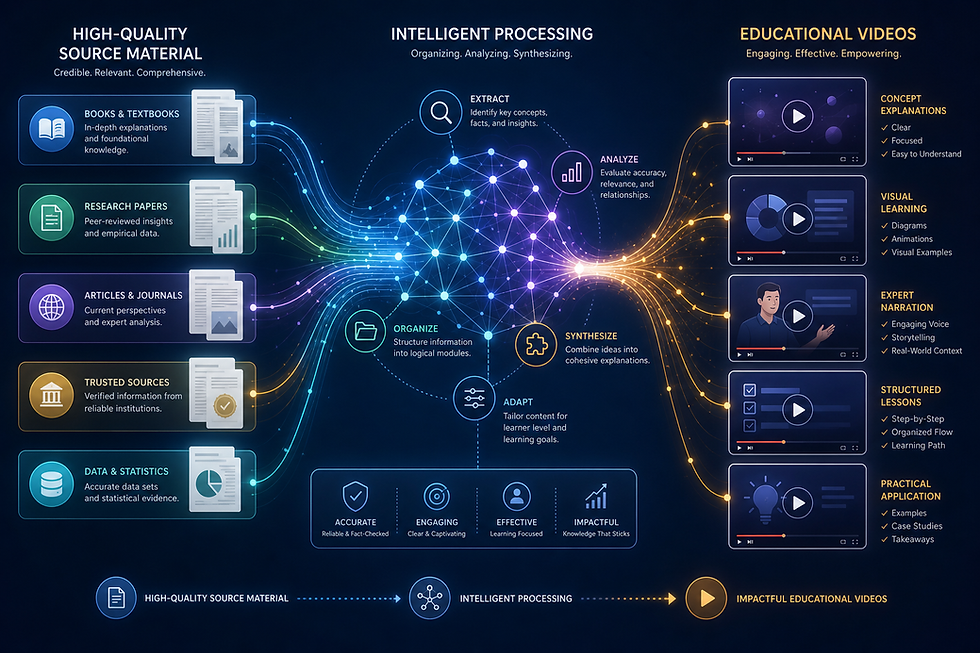
Instead of beginning with a blank page and writing an entirely new script, AI can use an existing document as the foundation for the video.
This changes the workflow significantly.
If your source material is already organized in a PDF, you can provide that document directly to a platform designed to transform written information into visual content.
The goal is not to replace the original document. It is to create another way for people to consume and understand the same material.
Explisera is designed around this type of workflow.
How to Create a Video From a Document With Explisera
Explisera focuses on transforming text-based PDFs into AI-generated videos without requiring users to build the video production process from scratch.
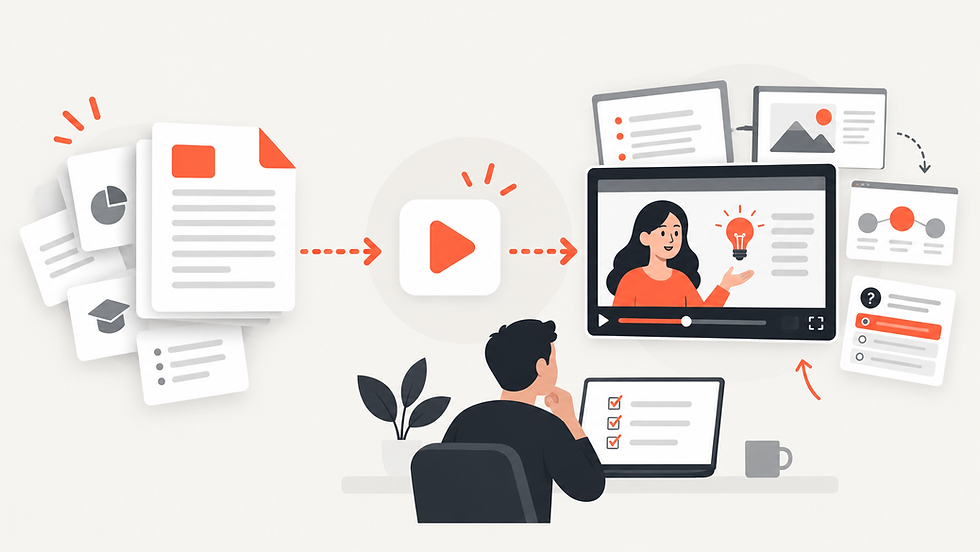
The workflow involves three main steps.
1. Upload Your Document
Start by uploading the PDF containing the material you want to turn into a video.
This could include:
Training documents
Textbooks
Research papers
Course notes
Manuals
Educational material
Reports and other structured documents
A clearly organized document can provide a stronger foundation because headings, sections, and topic changes make the material easier to structure visually.
2. Choose How the Video Should Look
The same information can be presented in very different ways.
A company training document may need a clean and professional visual direction, while educational content could benefit from diagrams, illustrations, or a more expressive style.
Explisera gives Standard+ users access to more than 72 visual styles.
These include options such as whiteboard-style explanations, process-flow diagrams, minimalist illustrations, paper-cutout visuals, historical-inspired presentations, manga-inspired scenes, and other visual approaches.
Choosing the right style can help the video better match both the subject and the intended audience.
3. Generate the Video
After selecting the document and visual direction, Explisera turns the source material into scenes and generates a cohesive video.
Instead of manually rewriting every section into a separate script and building every visual yourself, the platform uses the existing material as the basis of the production process.
You can then review the resulting video and determine how it fits your intended use.
Why This Workflow Is Useful
Creating videos directly from existing documents can make content production much more practical.
For teachers, it provides another way to present course material.
For training teams, it can help transform internal documentation into content employees can watch.
For researchers, it offers a visual format for communicating information contained in papers and reports.
For organizations with large libraries of existing documents, it also creates an opportunity to repurpose content without starting from zero every time.
Benefits of Using Explisera
Explisera is designed to keep document-to-video creation focused and straightforward.
Key benefits include:
A simple PDF upload process
AI-generated video scenes based on source material
More than 72 visual styles with Standard+
Support for textbooks, manuals, course notes, research papers, and training documents
Support for longer PDF projects with Standard+
Higher monthly generation capacity on the paid plan
Priority generation for Standard+ users
A free plan with no credit card required to start
The Free plan provides access to the core PDF-to-video workflow, while Standard+ is intended for users who need greater capacity, longer projects, and the full visual style library.
Create From What You Already Have
Producing a useful video does not always need to begin with writing a completely new script.
If the information already exists inside a document, that document can become the foundation for the video.
With Explisera, the process is simple: upload your PDF, choose a visual direction, and generate a video based on the material you already created.
Instead of spending your time rebuilding existing content, you can focus on turning it into a format that is easier to watch, share, and understand.

Comments