
How to Make a Video From a PDF Without Editing Experience


Turning a PDF into a video can sound simple until you actually try to do it.
A typical PDF may contain dozens of pages of text, diagrams, explanations, and important details. Converting all of that into a video traditionally means writing a script, planning scenes, creating visuals, recording narration, editing clips, adding transitions, and making sure everything flows naturally.
For someone without video editing experience, that process can quickly become overwhelming.
Fortunately, AI-powered tools are making it possible to transform PDF content into structured videos without learning complicated editing software or building every scene manually.
The Problem With Traditional PDF-to-Video Creation How to Make a Video From a PDF Without Editing
PDFs are excellent for storing detailed information, but they are not always the easiest format to consume.
Training manuals, textbooks, research papers, course notes, reports, and educational documents can require significant time and concentration to read. In some situations, a visual explanation can make the same material easier to follow.
The challenge is that producing a professional video manually requires several different skills.
You may need to:
Extract the most important information from the PDF
Rewrite the content into a video-friendly script
Decide what should appear in each scene
Find or create suitable visuals
Record or generate narration
Edit everything together
Adjust timing, transitions, and pacing
For people who simply want to explain the information inside a document, this is often far more work than necessary.
A Simpler Solution: AI PDF-to-Video Tools
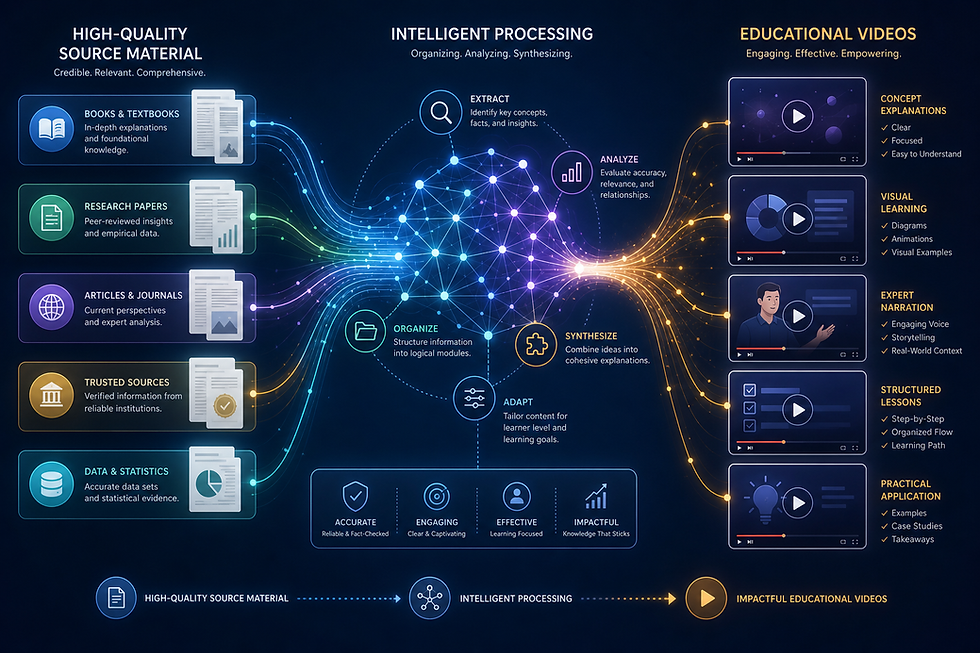
Instead of building the video from scratch, an AI PDF-to-video platform can use the document itself as the starting point.
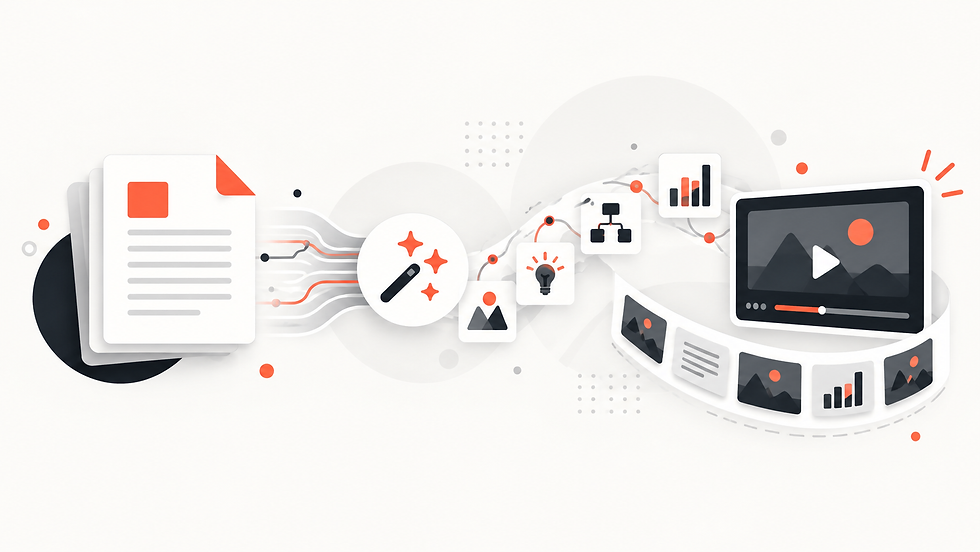
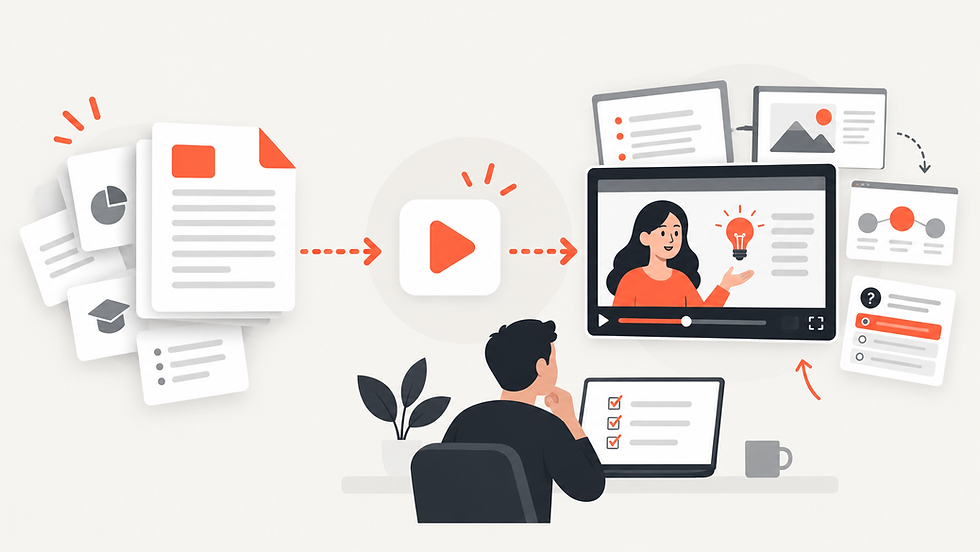
The basic workflow is much simpler: upload the PDF, choose how you want the video to look, and allow the platform to transform the source material into a structured visual presentation.
This approach is particularly useful when the information already exists and the main goal is to present it in a more visual and watchable format.
That is exactly the type of workflow Explisera is designed for.
How to Make a Video From a PDF With Explisera
Explisera focuses specifically on turning text-based PDFs into AI-generated videos.
The process is intentionally straightforward.
1. Upload Your PDF
Start by uploading your document.
Explisera can be used with material such as textbooks, course notes, training documents, manuals, research papers, and similar text-based PDFs.
Documents with clear structure generally provide the strongest starting point because the platform can more easily identify sections, topics, and relationships between ideas.
2. Choose a Visual Style
Next, select the visual direction for your video.
Different types of information benefit from different presentation styles. A training document may work well with a clean instructional approach, while educational material may benefit from more expressive visuals.
Explisera offers more than 72 visual styles on its Standard+ plan, giving users flexibility to match the presentation to the subject matter.
Available directions can include styles inspired by whiteboard explainers, diagrams, minimalist illustrations, paper-cutout visuals, manga-inspired scenes, historical presentations, and other formats.
3. Generate the Video
Once the document and visual style are selected, Explisera turns the source material into scenes and creates a cohesive video that you can review and use.
This removes much of the manual work normally associated with producing a video from written material.
Why This Approach Is Useful for Beginners
The biggest advantage is that you do not need to become a video editor before you can create visual content.
Instead of spending time learning timelines, transitions, animation tools, and complex production software, you can focus on the material you already have.
This can be especially useful for:
Teachers and students who want to transform learning materials into visual explanations.
Training and HR teams that need to convert manuals, onboarding documents, or internal training material into easier-to-consume content.
Researchers and professionals who want to present information from papers and reports in a more accessible format.
Content creators who want to repurpose existing long-form documents without rebuilding the content from the beginning.
Benefits of Using Explisera
Explisera keeps the process focused on PDF-to-video generation instead of surrounding users with unnecessary complexity.
Its main benefits include:
Simple PDF upload workflow
AI-generated video scenes
More than 72 visual styles with Standard+
Support for textbooks, reports, manuals, training documents, research papers, and course notes
Support for longer PDF projects on Standard+
Higher generation capacity for paid users
Priority generation on Standard+
A free plan that lets users try the core PDF-to-video workflow without providing a credit card
The Free plan is designed as an easy way to explore the platform, while Standard+ provides additional capacity and access to the complete visual style library.
Turn Existing Information Into Something
More Visual
You do not necessarily need video editing experience to create a video from a PDF.
If your information already exists inside a document, the most efficient approach may be to use that material as the foundation instead of rebuilding everything manually.
With Explisera, you can upload your PDF, choose a visual direction, and turn long-form written material into a structured AI-generated video.
Your PDF already contains the information. The next step is simply finding a better way to present it.
Comments