
How to Turn Lecture PDFs Into Study Videos


Lecture PDFs are useful, but they are not always easy to study from.
A single lecture file can contain dozens of slides, long explanations, diagrams, definitions, and key concepts that students need to remember. Reading through the same material repeatedly can become tiring, especially when preparing for exams or reviewing several subjects at once.
The information is already there. The challenge is finding a more engaging way to review it.
One option is to turn lecture PDFs into study videos.
With AI-powered PDF-to-video tools, students and educators can transform existing lecture material into visual explanations without manually creating every scene or editing a video from scratch.
Why Lecture PDFs Can Be Difficult to Study
PDF lecture notes are usually designed to support a class, not necessarily to function as a complete study experience on their own.
They may include:
Dense blocks of text
Bullet points without additional explanation
Complex diagrams
Multiple topics in one document
Important definitions spread across many pages
Information that is difficult to remember after one reading
When students prepare for an exam, they often have to go back through the same PDFs several times.
This can work, but it is not always the most convenient way to review information.
A study video provides another format for revisiting the material.
Instead of only reading page after page, students can follow a sequence of visual scenes that presents the information in a more structured way.
Turn Existing Lecture Material Into Video
Creating a study video manually can take significant time.
You would normally need to summarize the lecture, write a script, create visuals, arrange scenes, add narration, and edit everything together.
For most students, that is far more work than the actual studying.
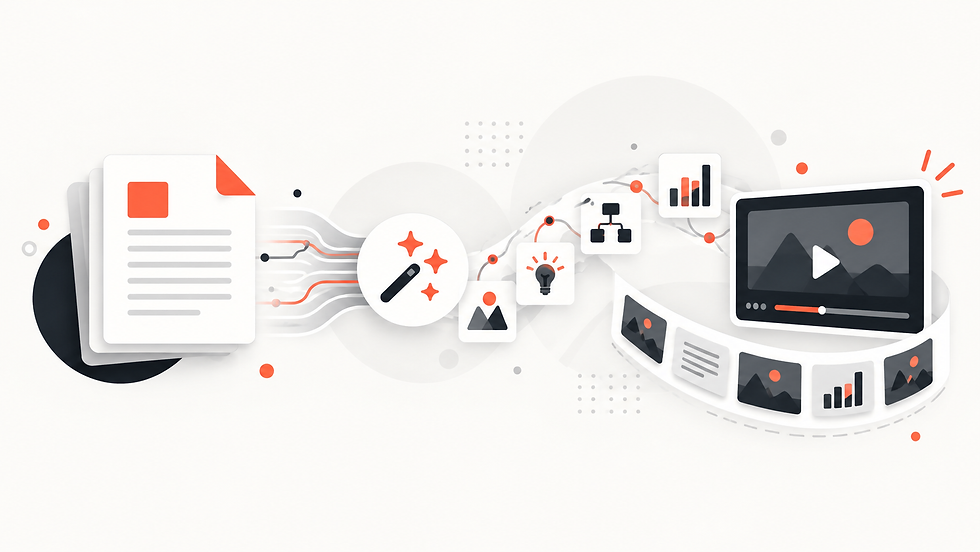
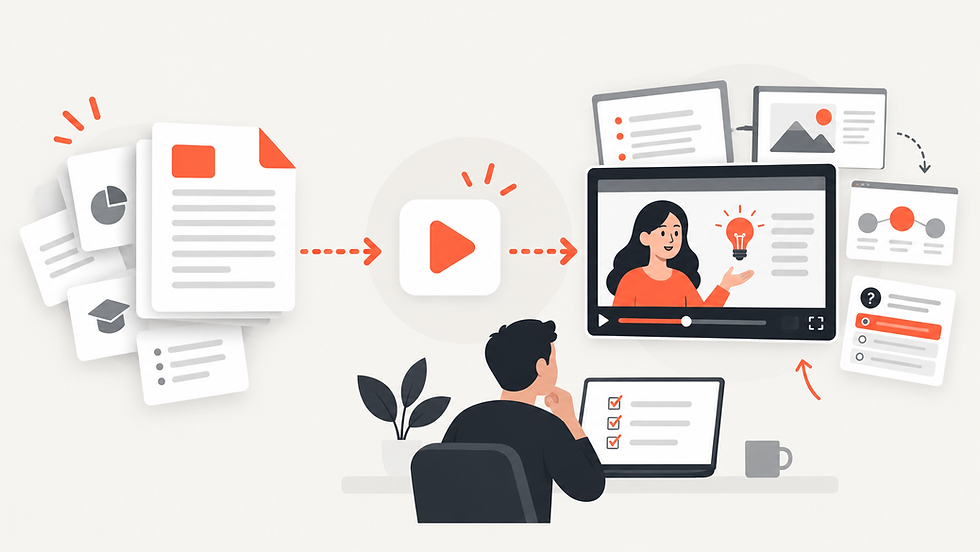
AI changes this workflow by allowing the lecture document itself to become the starting point.
Explisera is designed to turn text-based PDFs into AI-generated videos, making it possible to transform lecture notes and course material without requiring traditional video editing skills.
How to Turn a Lecture PDF Into a Study Video With Explisera
The process is designed to stay simple.
1. Upload Your Lecture PDF
Start with the lecture notes, presentation export, course document, or other text-based PDF you want to review.
Documents with clear headings and well-organized sections generally provide better source material because the structure makes it easier to follow individual topics.
This can work well for subjects that contain definitions, processes, explanations, historical events, scientific concepts, or other material that benefits from visual presentation.
2. Choose a Visual Style
Different subjects may be easier to understand with different types of visuals.
A process-heavy topic may work well with diagrams. A history lecture may benefit from a more illustrative presentation. A technical subject may be clearer with a clean, structured visual style.
Explisera's Standard+ plan includes access to more than 72 visual styles.
Available directions include whiteboard-style explainers, process-flow diagrams, minimalist illustrations, paper-cutout visuals, historical-inspired styles, manga-inspired scenes, and other formats.
Choosing a style that fits the subject can make the resulting video more useful as a study resource.
3. Generate Your Study Video
Once the PDF and visual direction are selected, Explisera transforms the source material into scenes and generates a cohesive video.
Instead of rebuilding the lecture manually, the existing material becomes the foundation of the video.
You can then use the result alongside your original PDF when reviewing the topic.
Why Study Videos Can Be Useful
Study videos should not necessarily replace textbooks, lectures, or written notes. They can complement them.
A video format can be particularly useful when you want to:
Review a topic before an exam
Revisit difficult concepts
Break up long reading sessions
Study using both written and visual material
Review course content in a different format
Create additional learning resources from notes you already have
Using multiple formats can also make study sessions less repetitive.
For educators, converting lecture materials into videos can provide students with another way to revisit lessons outside the classroom.
Benefits of Using Explisera for Lecture PDFs
Explisera is built around a focused PDF-to-video workflow rather than requiring users to learn complicated video production software.
Key benefits include:
Simple PDF uploads
AI-generated video scenes
Support for course notes, textbooks, research papers, and educational documents
More than 72 visual styles with Standard+
Support for longer PDF projects on Standard+
Higher monthly generation capacity on the paid plan
Priority generation for Standard+ users
A free plan with no credit card required to start
This makes it possible to experiment with turning course material into video before deciding whether you need additional generation capacity.
Make Your Lecture Notes Easier to Review
Students already spend significant time collecting notes, downloading lecture PDFs, and organizing course material.
Creating study videos does not have to mean starting over.
With Explisera, you can use the PDF you already have, choose a visual direction, and transform the material into an AI-generated video.
Your lecture notes remain the source. The video simply gives you another way to review, understand, and revisit the information when it is time to study.
Comments