
How to Turn a PDF Into a Video With AI
- Kateryna Myrko
- 6 hours ago
- 3 min read

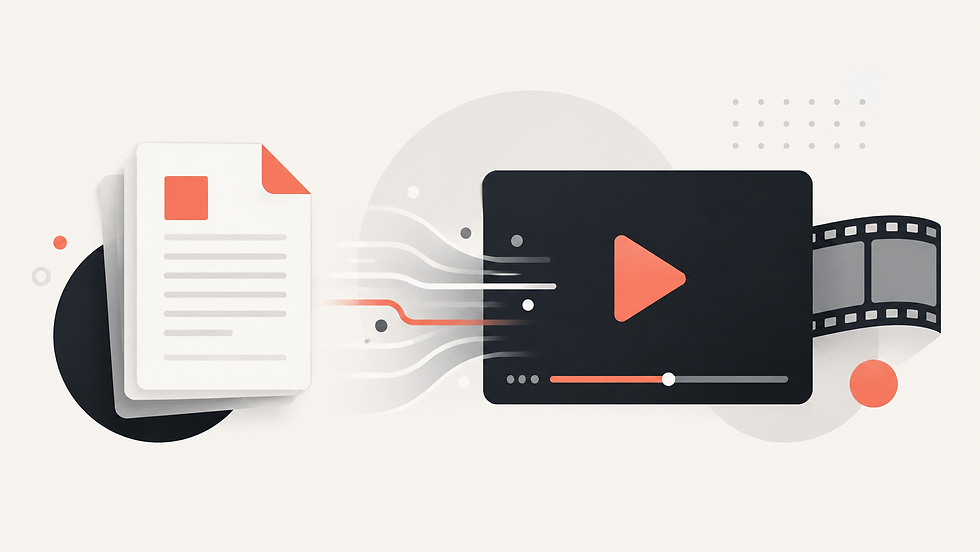
PDFs are excellent for storing detailed information, but they are not always the easiest format to consume. A textbook chapter, training document, research report, or manual may contain everything a reader needs, yet still feel dense and time-consuming. That creates a common problem: the information is useful, but the format makes it harder to keep attention or explain the material quickly.
Traditional video production solves part of that problem, but it introduces another layer of work. Someone has to read the PDF, identify the important points, write a script, plan scenes, create visuals, record narration, edit the footage, and make sure the finished video still reflects the source. For a long document, that process can take far more effort than expected.
An AI PDF to video workflow changes the starting point. Instead of rebuilding the content manually, the document becomes the source for the video. The goal is not simply to place pages on screen. A useful document-to-video process should restructure the material into scenes, make the explanation easier to follow, and add a visual direction that supports the subject.
How an AI PDF to Video Generator Works
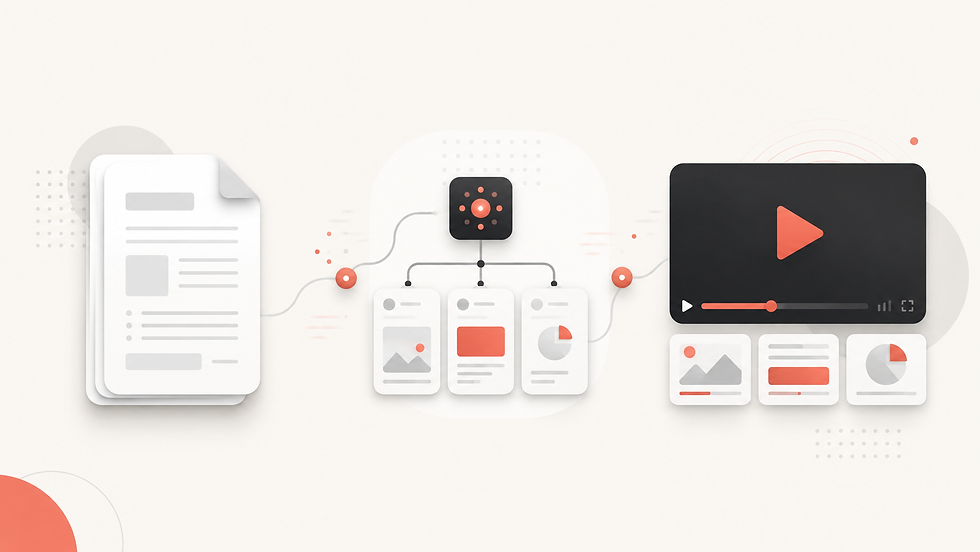
A focused AI video generator can simplify the process into a few clear steps. With Explisera, the workflow starts by uploading a text-based PDF. This can be a textbook, course document, training manual, research paper, report, or similar source material.
The next step is choosing a visual direction. Different documents need different presentation styles.
A technical training document may benefit from a clean and structured look, while an educational topic may work better with more expressive visuals. Explisera provides more than 72 visual styles, giving users a way to match the presentation to the material instead of forcing every document into the same template.
Once the document and style are selected, Explisera turns the source into a sequence of scenes and generates a cohesive video. This removes much of the manual work involved in script planning, visual organization, and assembly while keeping the original PDF at the center of the process.
Advantages of Turning a PDF Into Video With AI
The main advantage of turning a PDF into video with AI is efficiency. The user already has the source material, so there is no need to start from a blank page. AI can help organize that information into a format designed to be watched rather than read.
Video can also make complex information easier to approach. Visual sequencing gives viewers one idea at a time, which can be especially useful for training, revision, onboarding, and research communication. Instead of scrolling through dozens of pages, viewers can follow a structured explanation with visuals and narration.
Another advantage is consistency. When a team has many documents to convert, a repeatable PDF-to-video workflow can help maintain a recognizable presentation style across different topics. Explisera's style library makes it possible to choose a visual identity that fits each subject while still using the same simple process.
Best Practices for Better Document-to-Video Results
The quality of the source document still matters. Clear headings, readable text, logical sections, and a well-organized structure make it easier for an AI PDF to video system to interpret the material. Before uploading, remove irrelevant pages when possible and make sure the document contains the information you actually want explained.
It is also important to choose a visual style that supports the purpose of the video. A research paper should usually prioritize clarity, while a lesson for younger learners may benefit from a more engaging visual approach. After generation, review the video for factual accuracy, missing context, and any details that may need clarification. AI can accelerate production, but human review remains valuable.
For anyone looking to turn a PDF into a video without building a full production workflow, Explisera provides a direct route: upload the document, choose the look, generate the video, and review the result. The content already exists in the PDF; the platform helps transform it into a format people can watch.
Comments