
How to Convert a Textbook Into an Educational Video

Why Textbooks Can Be Hard to Learn From
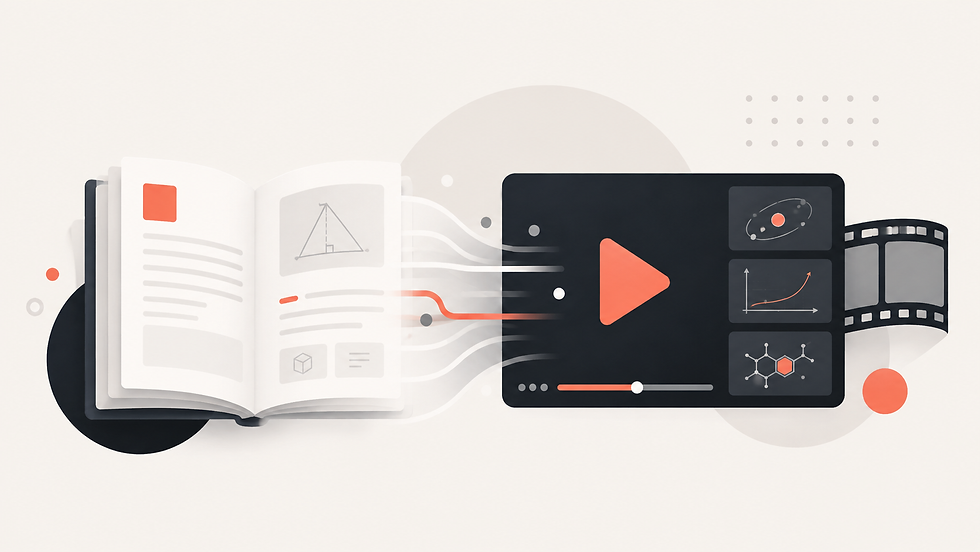
Textbooks contain depth, context, definitions, examples, and carefully organized knowledge. Their strength is also their weakness: a single chapter can be long, dense, and difficult to process in one sitting. Students may understand individual paragraphs but lose the relationship between ideas, especially when they are revising independently.
Teachers and course creators often solve this by explaining the same material verbally or creating slides. The problem is that converting a textbook into an educational video manually takes substantial preparation. Someone must decide what to include, write an explanation, plan visuals, record narration, and edit the result.
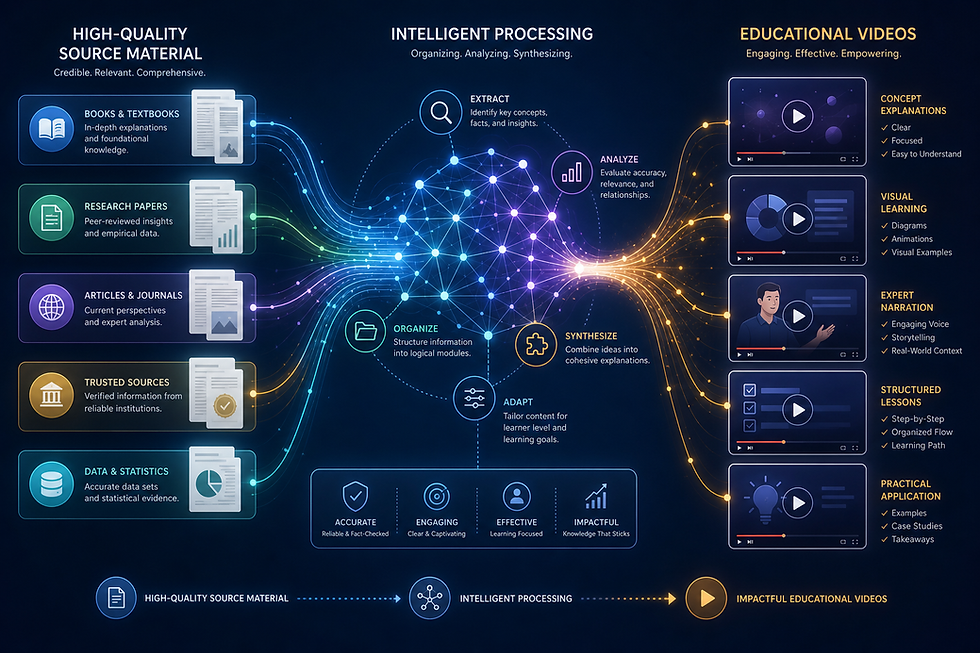
An AI education video workflow can reduce that production burden by starting with the textbook itself. Rather than rewriting the chapter from zero, the source material becomes the foundation for a visual lesson.
How to Convert a Textbook to Video With AI
The first step is to select the right section of the textbook. A focused chapter or topic usually works better than attempting to convert an entire book into one video. The source should have clear text and a logical structure.
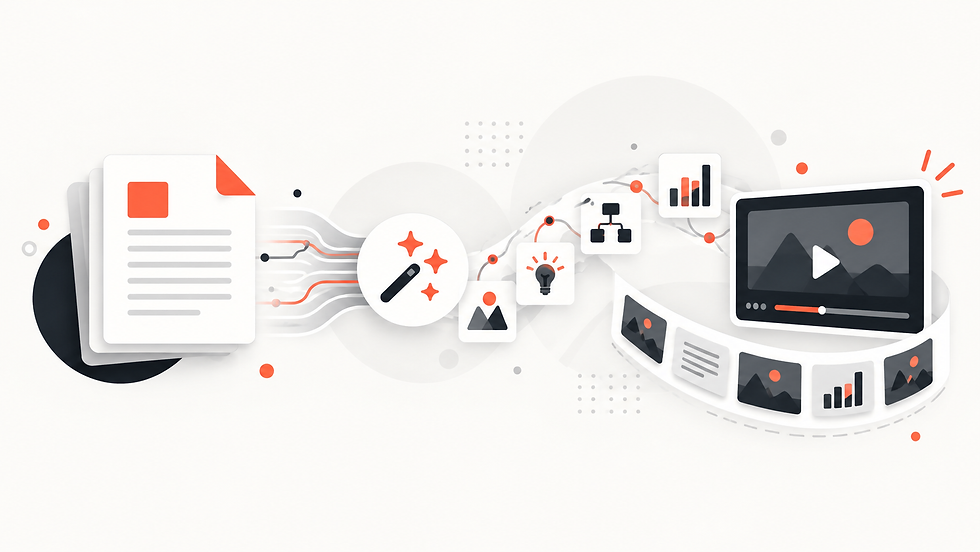
With Explisera, the selected textbook PDF can be uploaded directly. The platform analyzes the document and turns it into scenes for an AI-generated video. Users then choose a visual direction from more than 72 styles. This is especially useful for educational content because different subjects benefit from different presentation choices.
A history topic may benefit from a more illustrative or cinematic look, while mathematics, science, or professional training may require a cleaner visual structure. The goal is to choose a style that supports understanding rather than simply making the video decorative.
Advantages of a PDF to Educational Video Workflow convert textbook to video, educational video from textbook,
One major advantage is accessibility of format. Some students prefer reading, while others benefit from hearing and seeing an explanation. Converting a textbook to video does not need to replace the book; it can provide an additional way to engage with the same material.
Video is also useful for revision. A learner who has already read a chapter may use a visual explanation to reinforce the main ideas before an exam or assignment. Teachers can use generated videos before a lesson, during class, or as supplementary material for self-paced study.
Another advantage is consistency. Course creators who need videos across many chapters can use the same PDF-to-educational-video workflow repeatedly. Explisera's visual style options make it possible to keep a coherent identity across a course while still adapting individual videos to the subject.
How to Make a Textbook Video More Effective
Start with a clear learning goal. Ask what the viewer should understand after watching. That makes it easier to decide whether the selected textbook section is focused enough.
Keep the source relevant. If a chapter contains long appendices, references, or unrelated exercises, those sections may not be necessary for the video. A cleaner source can produce a clearer result.
After generation, review the educational video against the textbook. Pay particular attention to definitions, formulas, dates, quotations, and technical terminology. AI can accelerate content transformation, but educational accuracy still deserves human oversight.
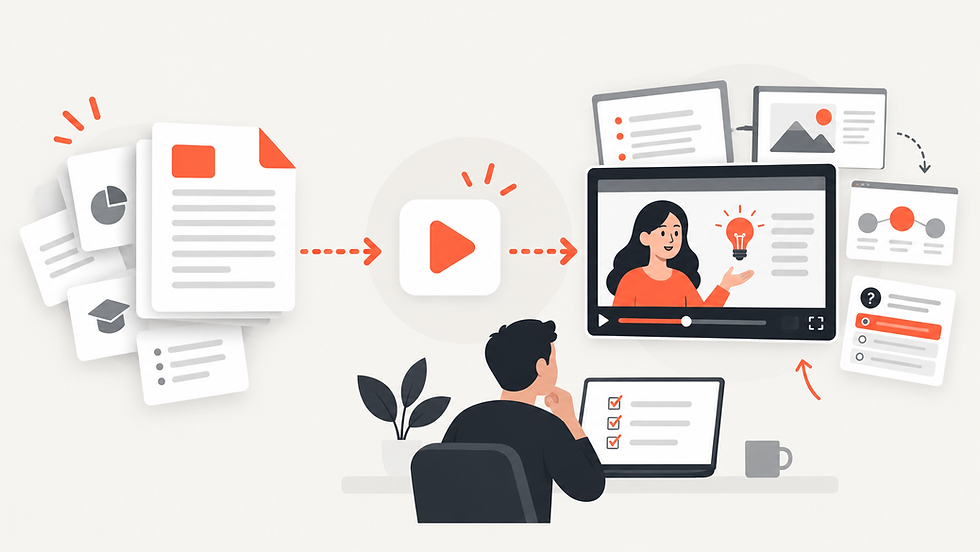
Finally, use the video as part of a broader learning experience. Students may watch the video first and then read the chapter, or read first and use the video for reinforcement. Explisera makes the conversion process simpler by handling the move from structured PDF content to visual scenes, allowing educators to focus more on how the material will be used rather than on the mechanics of video production.
A useful way to plan a textbook video is to think in terms of one clear question per lesson. For example, instead of converting an entire biology chapter at once, create separate videos for cell structure, transport, and energy. This keeps the educational video focused and makes it easier for learners to return to a specific concept later. It also gives instructors more flexibility when assigning or sequencing material across a course.
Comments