
How to Create Training Videos From PDF Documents


Why PDF Training Documents Often Go Unused
Organizations rely on PDFs for policies, procedures, product knowledge, compliance information, and internal training. These documents are easy to store and distribute, but employees do not always engage with them. A long training manual can feel like another task to complete rather than a resource that helps someone perform their job.
Turning the same material into video can make training easier to consume, but traditional production is expensive in time and coordination. Subject-matter experts may need to brief a writer, a designer may create slides, someone records narration, and an editor assembles the final training video. When a document changes, parts of that workflow may need to be repeated.
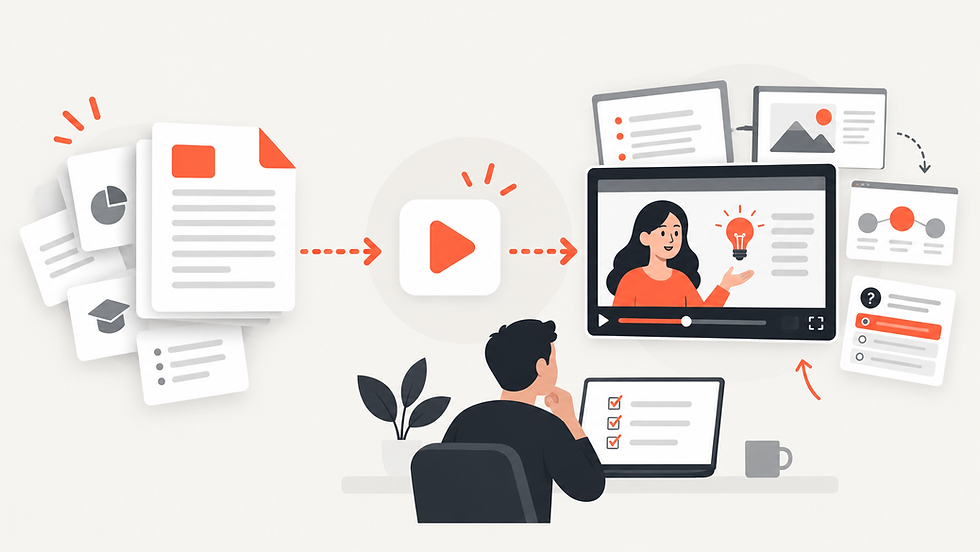
An AI training video generator can reduce this friction by using the existing PDF as the starting point.
How to Create a PDF Training Video With Explisera
Begin with the document employees actually need to understand. This might be an onboarding guide, safety procedure, operations manual, policy document, or product-training PDF. Make sure the text is current and organized before converting it.
Upload the PDF to Explisera and select a visual style that fits the workplace and topic. Explisera includes more than 72 visual styles, so a company can choose a clean professional look for formal procedures or a more engaging visual direction for general learning content.
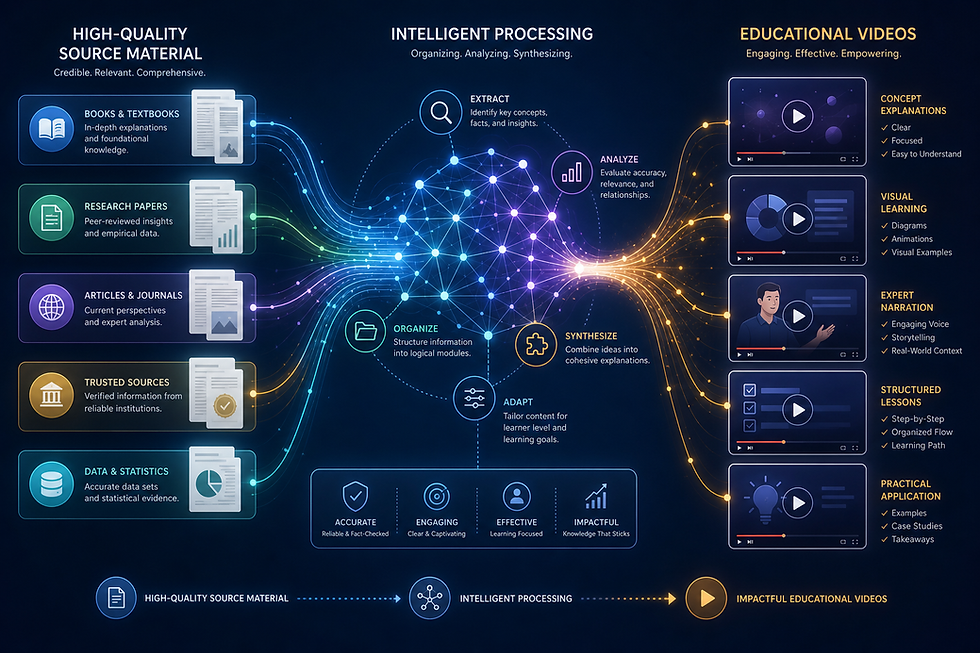
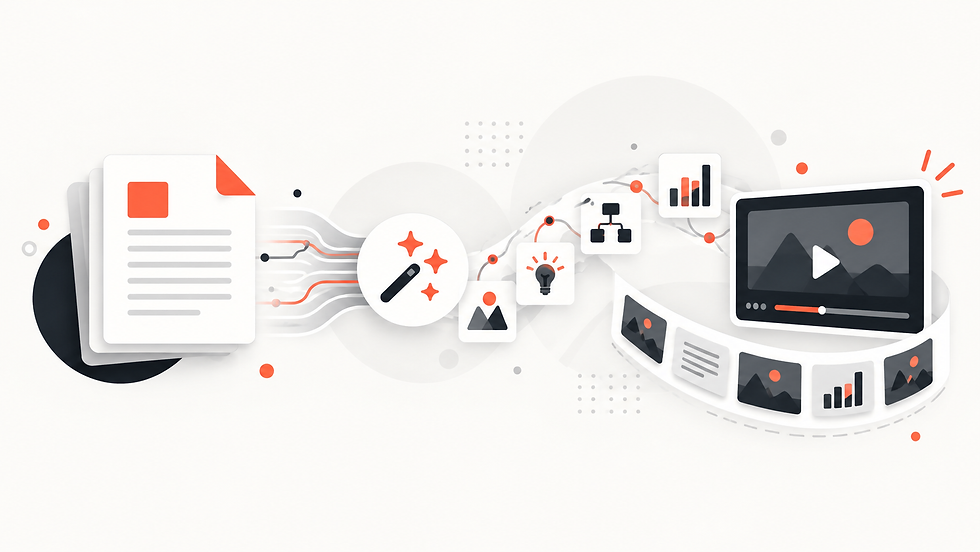
The platform then turns the source into scenes and generates a cohesive video. This document-to-training-video workflow reduces the amount of manual scripting and scene planning required to turn existing knowledge into a watchable format.
Advantages of AI Training Video Generation
The first advantage is reuse. Companies already invest time in writing internal documents. An AI PDF training video allows that existing work to support another learning format instead of requiring a completely separate content-development process.
The second advantage is consistency. Training teams can create multiple videos using a repeatable workflow and select visual styles that suit the organization. This is useful when onboarding covers many topics or when different departments maintain separate documentation.
The third advantage is accessibility of learning. Employees can use a PDF when they need detailed reference and a video when they need a guided explanation. The two formats can support each other rather than compete.
Finally, video can help managers explain complex material in a more structured way. A well-paced sequence of scenes can draw attention to the steps, decisions, or concepts that matter most.
Best Practices for Employee Training Videos
Before generating a training video, confirm that the PDF is accurate and approved. AI should not be used to make an outdated policy look more engaging. The source must be trustworthy first.
Break very large manuals into focused topics. A series of shorter training videos organized around specific tasks can be easier to use than one very long video covering an entire handbook.
Review all generated content before distribution, particularly where the material concerns safety, compliance, legal obligations, technical processes, or customer-facing procedures. Human review is essential for high-stakes training.
It is also helpful to keep the PDF available alongside the video. The video can introduce or reinforce the process, while the document provides the complete wording and details employees may need later.
Explisera is useful in this workflow because it focuses on converting documents into visual explanations without adding unnecessary learning-system complexity. For organizations that already have well-developed PDFs, that makes it possible to create training videos from existing materials with a much simpler production path.
Training teams should also think about where each video fits in the employee journey. A PDF training video can be assigned before a workshop, embedded in onboarding, or used as a refresher after several months. Planning that context helps determine how much detail the video needs. The source document remains the reference, while the video becomes a focused learning asset built for a specific moment in the training process.
Comments