
How to Turn Course Notes Into Video Lessons

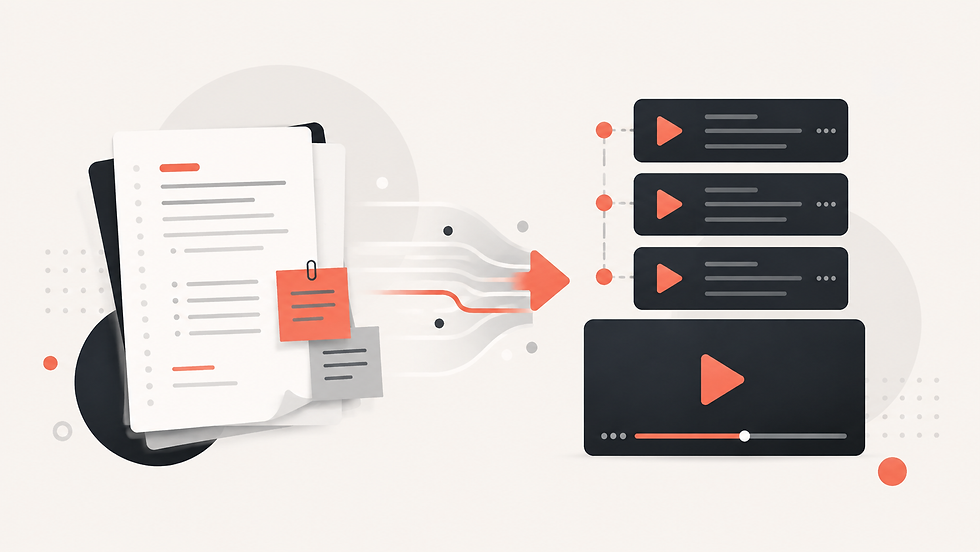
The Problem With Course Notes as a Standalone Learning Format
Course notes are useful because they condense lectures, readings, definitions, and key ideas into a convenient reference. But notes are often written for someone who already has context. Bullet points may be too brief, concepts may appear without explanation, and long pages of text can become difficult to revisit during revision.
For instructors, the obvious solution is often to turn those notes into video lessons. Yet manual production adds a large amount of work. Notes must be reorganized into a script, broken into scenes, supported with visuals, narrated, and edited. Doing this for one lesson is manageable; doing it for an entire course can become a major project.
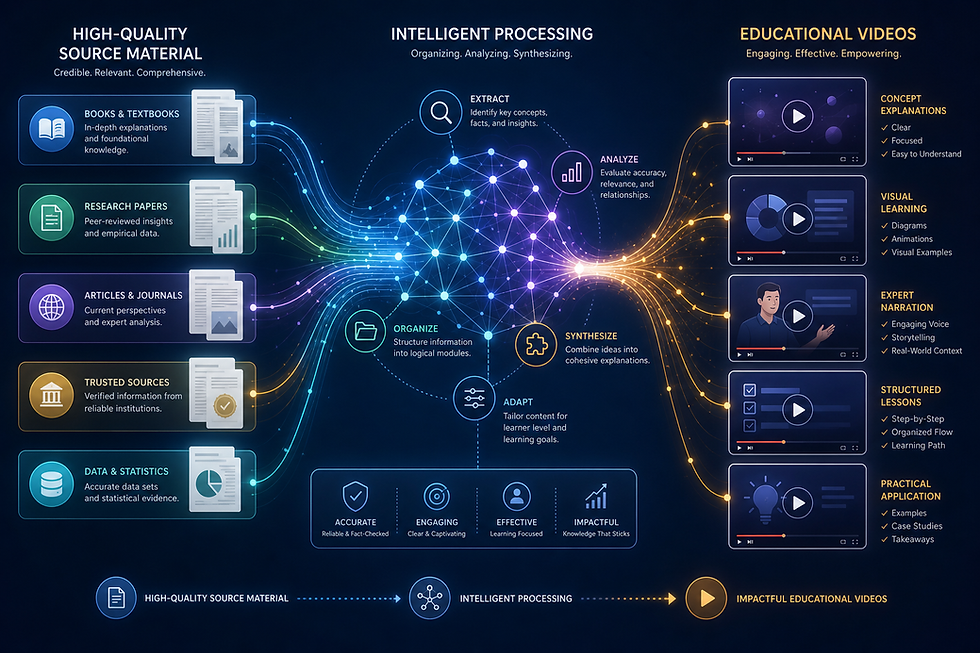
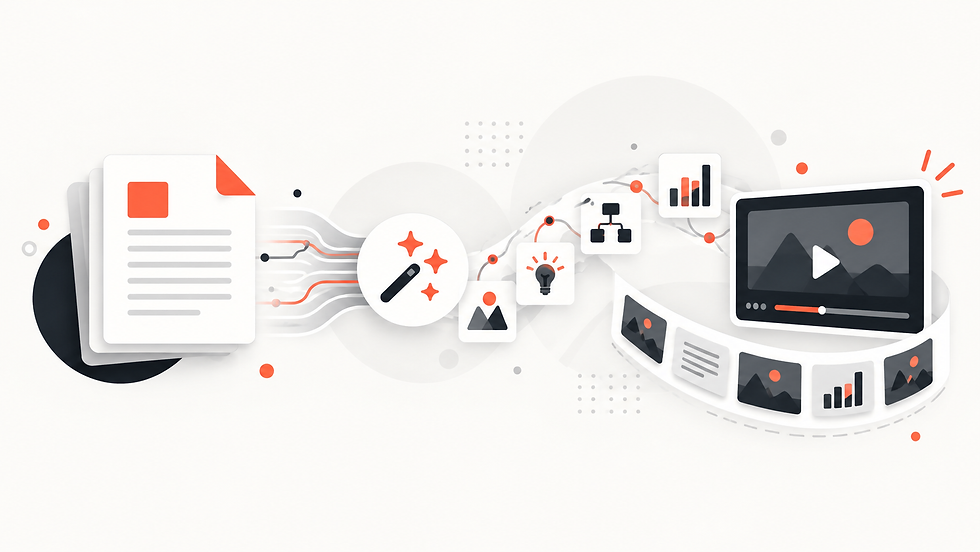
AI can help bridge the gap between written notes and a watchable lesson by using the notes as structured source material.
How to Turn Notes to Video With an AI Lesson Generator
Start by organizing the course notes into a clear PDF. Use headings for topics, keep related concepts together, and remove duplicated or unfinished material. The better the source structure, the easier it is to create a coherent video lesson.
Explisera accepts text-based PDFs and turns their content into AI-generated video scenes. After uploading the notes, the user chooses a visual direction. With more than 72 available styles, the lesson can be presented in a way that suits the subject and audience.
A professional certification course may need a structured, restrained look. A creative subject may benefit from a more expressive visual style. The same notes-to-video workflow can support both because the visual identity is selected separately from the source content.
Why Video Lessons From Notes Can Improve Course Delivery
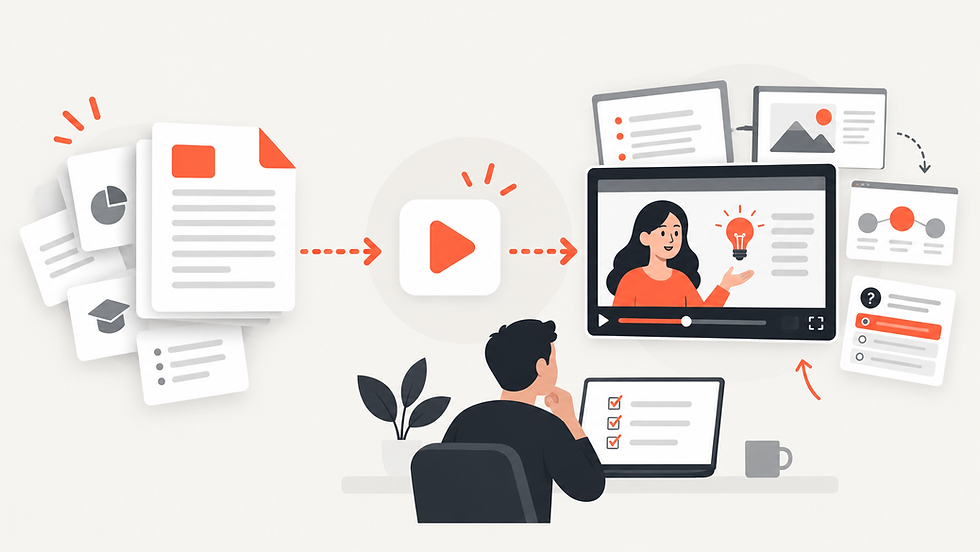
A video lesson gives the material a sequence. Instead of scanning a page and deciding where to focus, the learner is guided through one scene at a time. This can be useful when notes contain several connected ideas that need to be understood in order.
Video lessons can also complement different study habits. Learners might watch a lesson before reading the notes, use it as a review afterward, or return to it when preparing for an assessment. The PDF remains available for detailed reference, while the video provides a more guided explanation.
For instructors and training teams, repeatability is another advantage. If every module already has notes, those files can become the foundation of a consistent content-production process rather than requiring each video to begin from scratch.
Best Practices for Educational PDF to Video Content
Do not assume that every note belongs in the final video. Administrative reminders, citations, reading lists, and side comments may be useful in the PDF but unnecessary in a lesson. Focus the source on the learning objective whenever possible.
Use clear headings. Keywords such as “Key Concept,” “Example,” “Process,” or “Summary” can help make the document easier to follow for both humans and automated systems.
Choose the visual style based on the learning task, not just personal taste. Clarity should come first for technical topics. More expressive visuals can be helpful when the goal is storytelling, conceptual understanding, or engagement.
Most importantly, review generated lessons. Compare important claims with the original notes and make sure the video does not oversimplify a critical point. Explisera is designed to remove the extra production complexity from turning course notes into video lessons, but the instructor still provides the subject expertise. That combination—structured source material, AI-assisted production, and human review—can make educational video creation much more practical.
Course creators can also use the finished video lesson as a navigation tool. A short visual overview can show learners how the ideas in a module fit together before they begin detailed study. When the video and original notes use the same terminology, students can move between formats more easily and locate the supporting detail they need without feeling that they are learning two separate versions of the topic.
Comments